
Google Calendar
Integrate Google Calendar with your Bookisia account.
Introduction
Google Calendar is a popular calendar for scheduling and managing availabilities. It easily syncs your calendars across multiple devices so your day's schedule is always at your fingertip. By integrating Google Calendar with your Bookisia account, Bookisia will manage adding and removing events on your Calendars based on new appointment bookings and cancellations.
If you want every consultant to use a single Google Calendar account for all your appointments, you can integrate Google Calendar on the business account. However, if you want each consultant to have their own Google Calendars, that way there are no scheduling conflicts, they can do so as well. You will find help on how to achieve both integrations below.
Connecting Google Calendar
- Go to the Integrations tab and locate the Google Calendar card
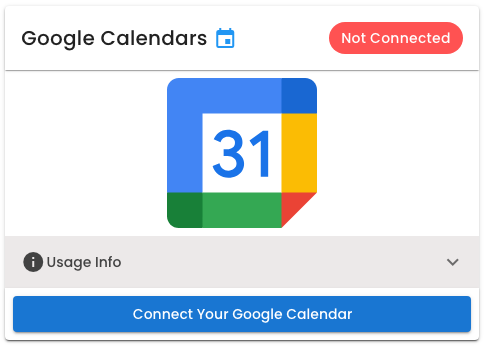
- Click the Connect Button to begin the integration process.
Disconnecting Google Calendar
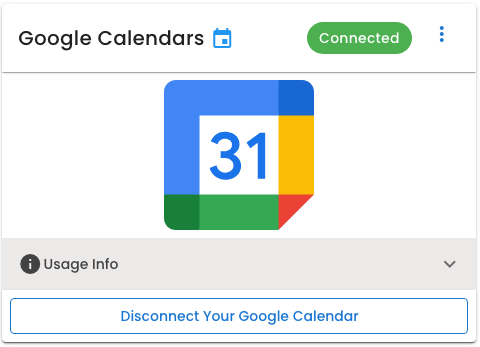
- Go to the Integrations tab and locate the Google Calendar card.
- Click Disconnect to remove the granted privilege for Google Calendar.