
You can securely sign into the Bookisia platform using Google social login feature.
Introduction
Google is one of the most recognized platforms in the world. Their social login feature allows their users to securely login into platforms that have integrated the feature. The benefit for this is that there is no need to remember passwords.
How to sign in with Google
You must have an active google account to be able to utilize this feature
- On the navigation tab at the top, click on login and the following login dialog will appear
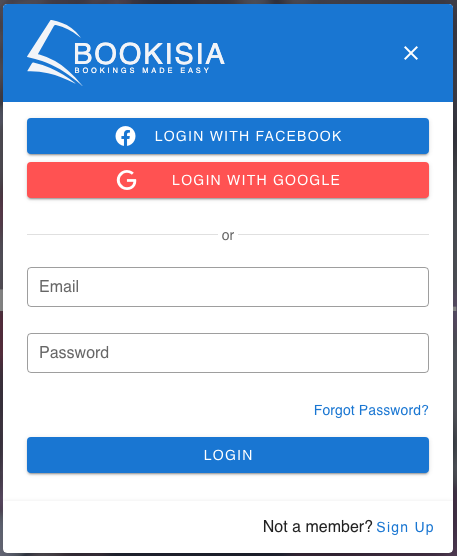
- Click on the
LOGIN WITH GOOGLEbutton to begin the authentication process. - You will be redirected to the Google oauth consent page. Upon completion of the authorization process, you will be redirected back to the ecommerce platform.
✨ Congratulations! You are now signed in with Google!
About Your Collected Data
When you grant access to Bookisia via the Google Oauth Screen, we get your name and email and use that to create an account for you. If you would like to delete your information. You can go to the accounts page and delete your account, following this action, any information we have on you will either be deleted or modified so it is no longer personally identifiable!
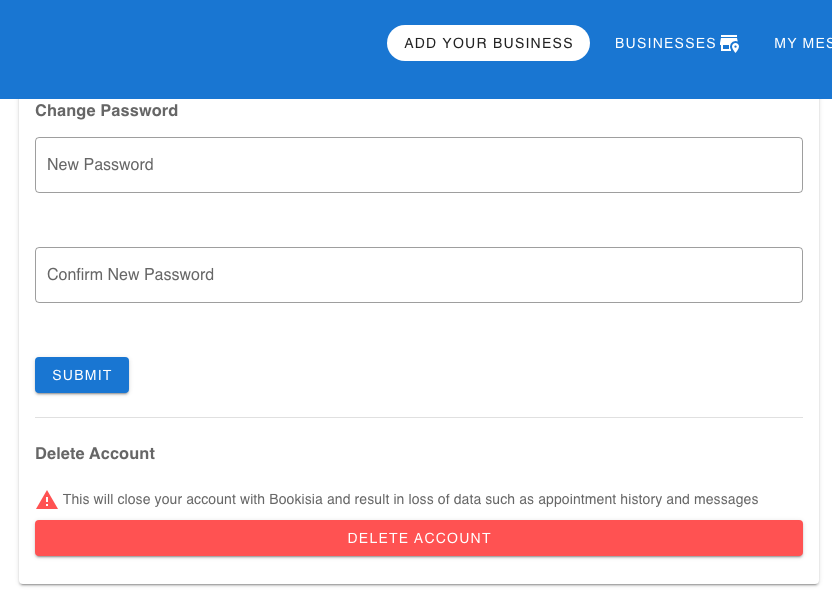
Table of Contents