
Zoom
Integrate Zoom and open up your business to a global audience.
Introduction
Zoom is one of the most popular platforms for video conferencing. It enables communication between individuals and businesses across the globe. By integrating Zoom with your Bookisia account, you open up your business to a global client base.
If you want every consultant to use a single Zoom account for all your meetings, you can integrate Zoom on the business account. However, if you want each consultant to have their own Zoom accounts, that way there are no scheduling conflicts, they can do so as well. You will find help on how to achieve both integrations below.
Connecting Zoom
- Go to the Integrations tab and locate the Zoom card
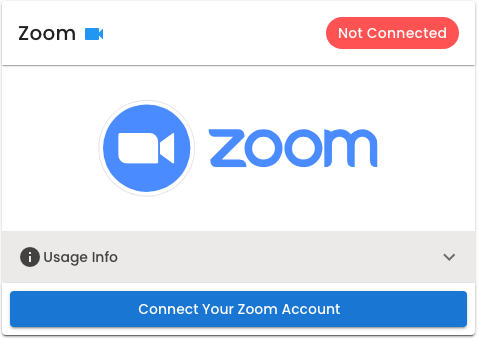
- Click the Connect Button to begin the integration process.
Disconnecting Zoom
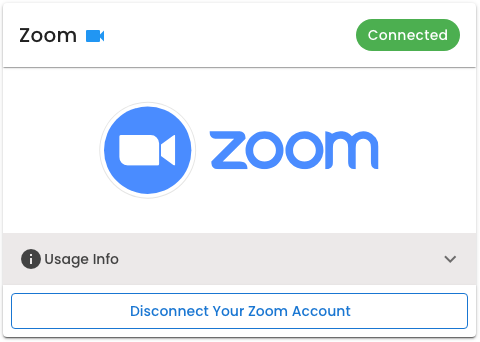
- Go to the Integrations tab and locate the Zoom card.
- Click Disconnect to remove the granted privilege for Zoom.
Creating Zoom Meetings
Once your Zoom account has been integrated into the Bookisia platform, zoom meetings will automatically be created for your appointments.